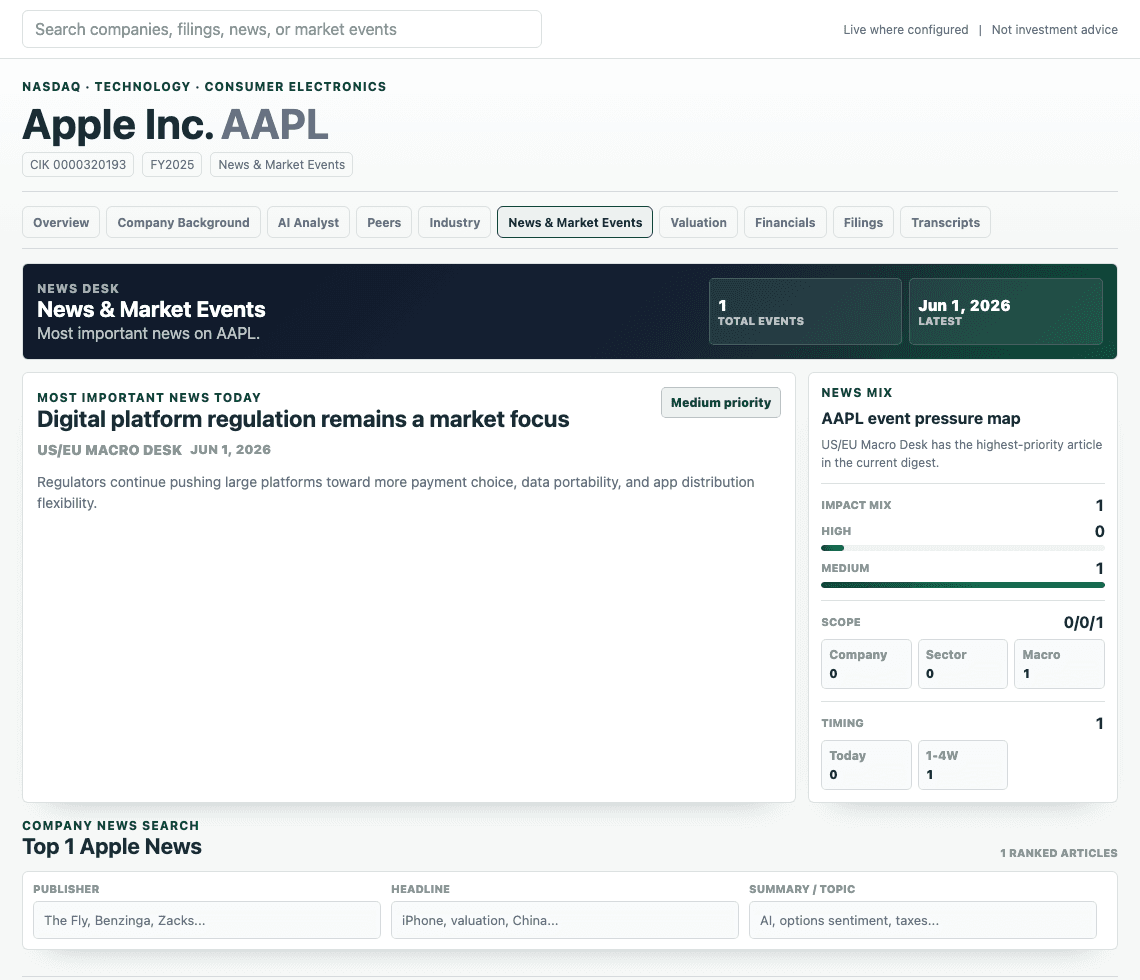
Supplier exposure, segment margins, revenue concentration.
Built for stock pitch and in-depth equity research
Stock pitch research, without the tab overload.
Vantage brings company information, filings, financial statements, transcripts, news, and AI together in one workspace so you can research faster without copying numbers into AI, uploading documents, or opening endless tabs.
Too many tabs24 tabs open1 workspace
One workspaceWith Vantage
VantageOne research workspace
AI + sourcesSource trail ready10-K · DCF · Transcript · News
AI thesis assistant
All the context is already here. No copying, uploading, or tab switching.
Features
Built around the actual work inside a stock pitch.
Vantage is geared toward stock pitch research, covering the core areas analysts need to build a pitch: company background, valuation, investment theses, financials, risks, industry analysis, competitive positioning, and more.
Valuation templates
Download spreadsheet models already filled with what you need.
Instead of opening a blank workbook and hunting for revenue, EBITDA, free cash flow, WACC inputs, share count, cash, debt, and terminal assumptions, Vantage can export model templates with the core company data already staged. You can spend more time testing the pitch and less time building the same spreadsheet setup from scratch.
See valuation workspace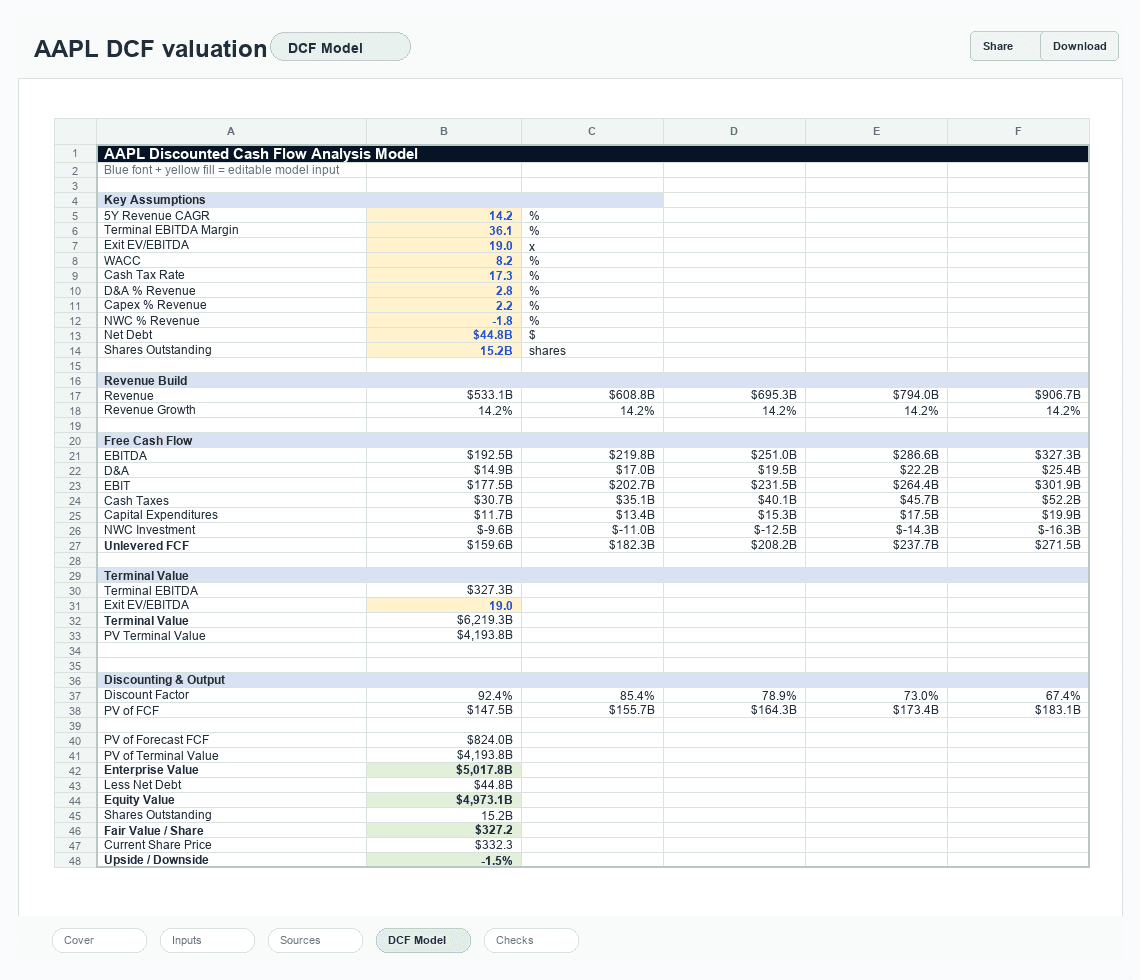
Filing comparison
Compare annual reports and filings side by side.
Annual reports are long, and the important changes are easy to miss when you are jumping between PDFs. Vantage helps line up the current filing against the closest prior filing, call out what changed, explain why it may matter, and keep the source sections nearby so your AI questions stay grounded in the actual document.
See filing workflow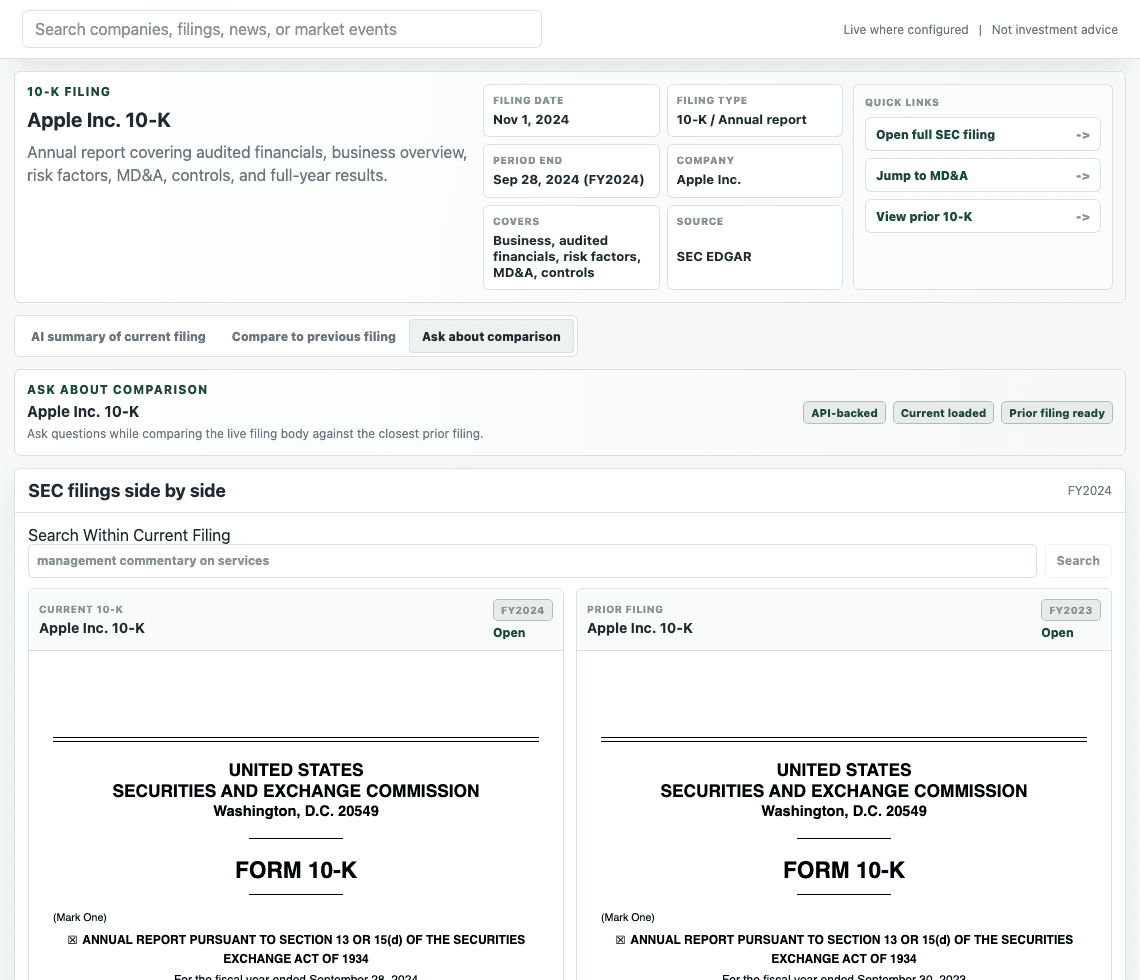
Article workbench
Read the article and ask AI next to it.
When a headline matters, the workflow should not stop at a link. Vantage opens the article inside the research workspace, keeps the AI sidebar beside it, and lets you capture screenshots from the source page so the evidence can move straight into your analysis without manual uploading or context switching.
See news workspace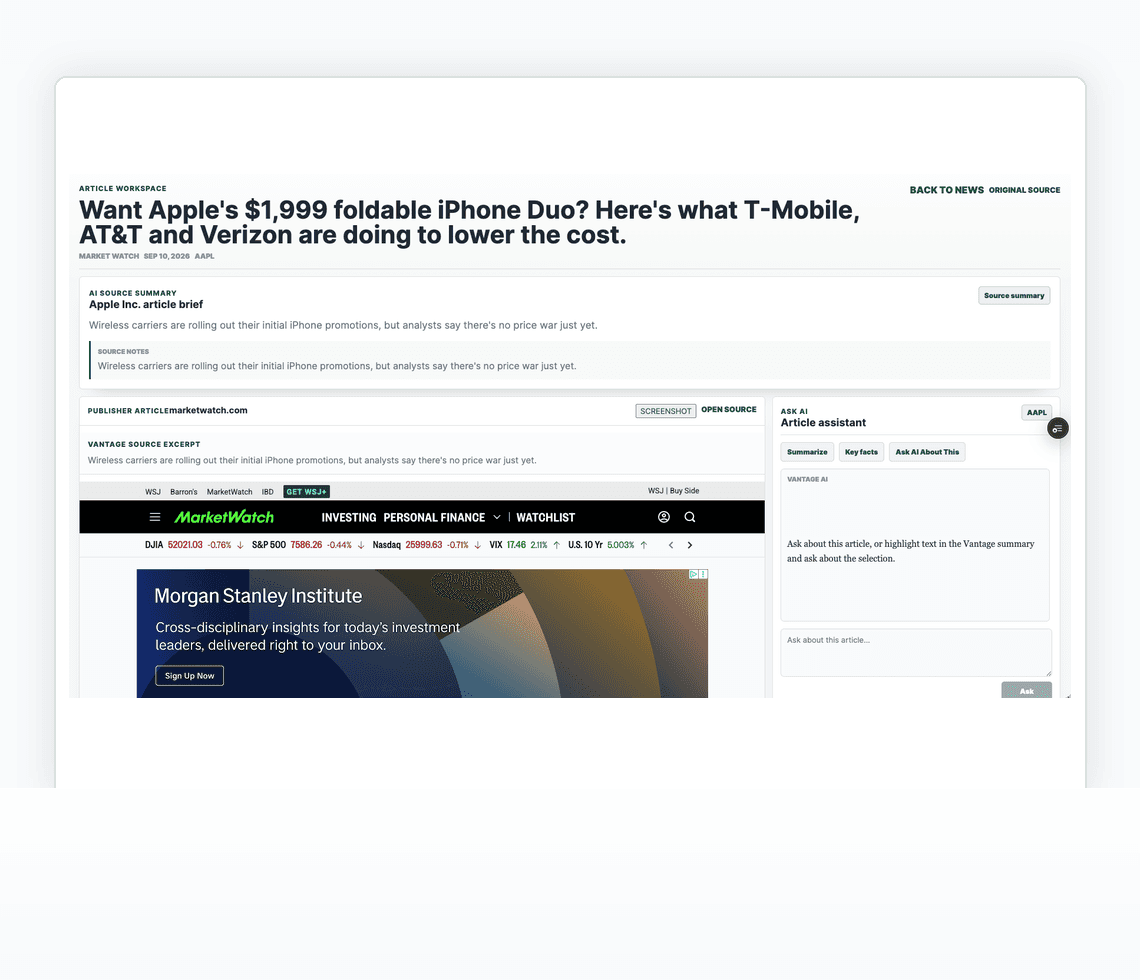
Headline triage
Get up to date on the important news without drowning in noise.
Research gets messy when every headline looks equally urgent. Vantage is designed to surface the stories that are most likely to matter for a company, filter away low-quality or repetitive noise, and frame the likely thesis impact so you can decide what deserves a deeper read.
See market view